
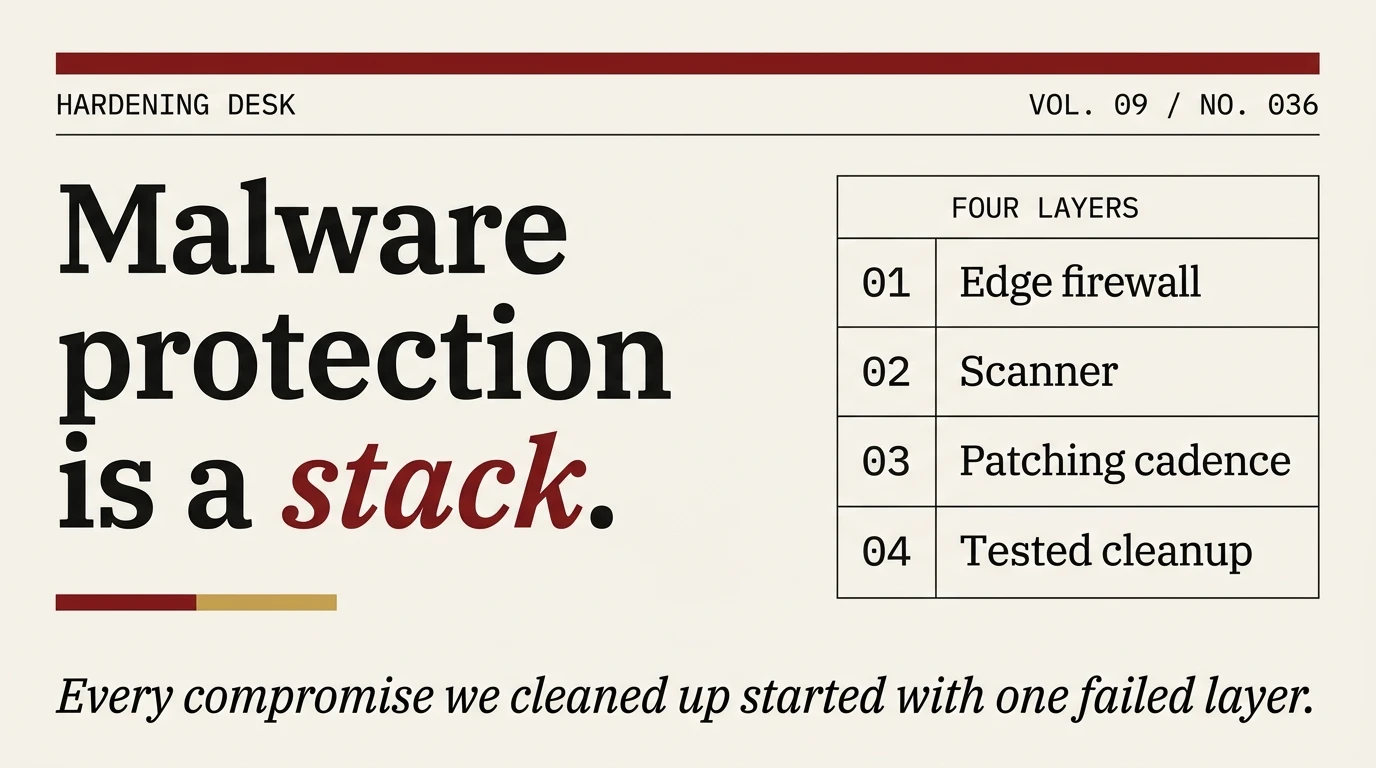
Every WordPress malware infection we have cleaned up started with a single failed layer. The site had a scanner, no firewall. A firewall, no patching cadence. Patches installed, no outbound monitoring to catch the backdoor that was already there before the firewall went in. Malware protection on WordPress is not one product you install. It is four layers, arranged so the failure of any one of them does not become a compromise.
The verdict, upfront
WordPress malware protection is a stack, not a plugin. The stack we actually run on client sites:
- An edge layer that drops known-bad requests before they reach PHP. Cloudflare free tier is enough for most sites. Wordfence Premium is better if PHP-level rule coverage matters to you.
- A scanner that watches for file and content changes and alerts a human within an hour. Wordfence free covers smaller sites; MalCare covers portfolios where cleanup-first workflow earns its keep.
- A patching cadence that closes plugin vulnerabilities within days of disclosure. Manual updates plus a vulnerability-alerting service (WPScan or Patchstack) handle this.
- A cleanup capability you have tested before you need it. Tested is the operative word. Most operators discover the cleanup workflow is broken the first time they try to use it in anger.
What follows is how to build that stack without spending a lot of money, and the specific tradeoffs at each layer if you are choosing between products.
What “malware” means on WordPress, specifically
Malware on WordPress is broader than most posts acknowledge. Four infection classes cover ninety percent of what we see on real client sites.
The first is a PHP backdoor shell, usually dropped in wp-content/uploads/ or a fake plugin directory. It gives the attacker persistent execution on the server, and it survives password changes and plugin updates. A backdoor is the infection that has already happened, before the obvious symptoms appear.
The second is content injection. Spam links for prescription medications, online casinos, or counterfeit goods, injected into post content or the database. The injection usually checks user agent and only appears to search engines and unauthenticated users, which is why the logged-in admin doesn’t see anything wrong. Pharma hack is the most common variant. We have the full pharma-hack writeup covering the cloaking mechanism and the four-to-eight-week SEO-recovery arc; the general cleanup procedure sits in our WordPress malware removal guide.
The third is drive-by redirects. JavaScript or .htaccess rules that redirect visitors to attacker-controlled landing pages, usually only on mobile and only from Google referrers. Site owners often fail to reproduce the issue themselves because their browser profile doesn’t trigger the condition.
The fourth is cryptocurrency miners. Less common since the 2023 crash in coin prices but still showing up, usually alongside a backdoor shell. Detected by the CPU spike on the host more often than by any WordPress-side scanner.
Each class has a different detection profile, which is why single-layer defence catches some and misses others. File-integrity scanners catch backdoors reliably and content injection unreliably. Content-diffing scanners catch injection but can’t see backdoors in wp-content/uploads/. An edge firewall catches most exploitation attempts but nothing about infections that were already in place when the firewall got installed.
Layer 1: the edge
The cheapest layer to add and the one most WordPress sites skip. An edge layer sits between the public internet and your server and drops known-malicious requests before PHP ever executes.
Two options that actually work. Cloudflare’s free tier covers request filtering, OWASP top-ten rules, known-bad IP reputation, and rate limiting. Change nameservers, enable the WAF managed rules, done. The free tier is adequate for small-to-medium sites. Cloudflare Pro at $25/month adds faster rule delivery and better bot management; worth it on payment-processing or data-sensitive sites.
Wordfence’s PHP-level application firewall runs inside WordPress, which is slower than an edge WAF but has rule coverage specific to WordPress plugins and themes. Wordfence’s research team publishes rules for active exploitation campaigns sometimes within hours of disclosure, which is the genuine edge over edge-layer WAFs that rely on generic OWASP rules.
The pragmatic setup is Cloudflare in front of Wordfence, not either alone. Cloudflare drops the noise before it hits your server; Wordfence catches the WordPress-specific exploitation attempts that make it through the edge. Running both costs nothing beyond the Wordfence license and whatever Cloudflare tier you pick.
Hosting-level protection is a third option that overlaps with the edge layer. Managed WordPress hosts bundle a WAF into the plan, with wildly varying quality. Hostinger and similar providers ship with usable WAF defaults; on cheaper shared hosting the bundled firewall is mostly theatrical. Verify what the hosting provider actually blocks before treating it as your edge layer.
Layer 2: the scanner
A scanner’s job is to detect what the firewall missed. Changes to core, plugin, and theme files that should be stable. Unexpected new files in writable directories. Injected content in posts and widgets. Modifications to .htaccess and wp-config.php.
The meaningful distinction between scanners is where they run.
On-server scanners run inside WordPress and compare files to known-good hashes. Wordfence and Solid Security work this way. The advantage is independence: the scanner works whether or not a vendor’s backend is online. The disadvantages are server load, and the difficulty of detecting infections that look normal on one site but are known malware across the wider install base.
Cloud scanners run on the vendor’s infrastructure and analyse hashes and diffs uploaded from your site. MalCare takes this approach, and the cross-site pattern matching catches a meaningful class of infections that on-server scanners miss. The tradeoff is dependency on vendor uptime, which has been a non-issue in our experience with MalCare but is a real consideration on principle.
Sucuri’s plugin is a hybrid for paid tiers, combining on-server file integrity with cloud reputation. Their real cleanup service is purchased separately from the plugin, not bundled in.
On a fresh site we default to Wordfence free. It’s adequate, it’s free, and the false-positive rate on clean installs is low enough to deploy without tuning. On a site that has already been compromised, we install MalCare instead, because cleanup-first design pays off the second time a cleanup is needed. And it will be needed.
Layer 3: patching cadence
Patchstack’s annual report on WordPress security attributes the vast majority of infections to plugin vulnerabilities rather than core WordPress or theme code. The inference most operators draw is that plugins are dangerous, which is correct but less actionable than the inference that matters: the window between vulnerability disclosure and patch installation is where infections happen. Close that window and you eliminate the category of compromise that does most of the damage.
A working patching cadence looks like this. Subscribe to a vulnerability-alerting service with email notifications. WPScan and Patchstack both publish CVE alerts with enough detail to triage in minutes. Patchstack also ships virtual patches for critical vulnerabilities, which buys time when the plugin author hasn’t released a fix yet. Check the site’s plugin list against new alerts on a predictable cadence. Weekly is adequate for most sites, daily for sites with a large attack surface or high user count. Test updates on a staging copy and push to production within days of the fix landing, not weeks.
Step three is where most operators fail. The staging workflow has friction, and a weekly cadence degrades to “when we get around to it.” A “weekly” cadence that slips twice a month is not weekly.
Automatic plugin updates, configured via define('WP_AUTO_UPDATE_CORE', 'minor') and individual plugin toggles, shorten the patching window dramatically at the cost of occasionally breaking the site when an update ships a regression. On sites where a brief outage is more tolerable than an intrusion, turn auto-updates on. On sites where availability beats everything, run a weekly manual cycle with real staging tests. There is no universal right answer. The tradeoff depends on the site.
Layer 4: cleanup capability
The layer nobody tests until it’s too late. Assume the other three fail eventually and you discover an active infection on a site you operate. What happens next?
Here’s what we find on sites we take over mid-incident.
The most common scenario is no real backups. The operator relies on the host’s backup service, which turns out to retain seven days of nightly snapshots, all of which already contain the infection by the time symptoms appear. Recovery involves a manual file-by-file cleanup (our malware removal guide documents the procedure), and the site is typically offline for a day.
The second-most-common is backups exist but nobody has tested a restore. The backups turn out to be corrupted, partial, or stored in the same compromised environment as the site. Restore fails and cleanup falls back to the manual procedure anyway.
Third: a cleanup plugin is installed but on the free tier only. The scanner detects the infection. The free tier doesn’t include the one-click cleanup. The detection is an alert without a remediation path.
Fourth, and the one we wish we saw more often: the cleanup plugin is installed and paid. MalCare’s automated cleanup or Sucuri’s manual-assist service both work in this case, and the site is clean within hours rather than days.
Minimum viable cleanup capability is off-site backups tested quarterly, plus either a paid cleanup plugin or a pre-arranged relationship with a WordPress security firm that will do a manual cleanup within a business day. Both cost money. The cost looks absurd until the first time a compromise lands, at which point the cost looks like the cheapest insurance you have ever paid for.
The plugins we actually install
Three profiles across all four layers:
On a small site with low risk and a zero-dollar budget: Cloudflare free, Wordfence free, weekly manual plugin updates, and off-site backup via UpdraftPlus. Total cost $0 plus the hour a week the operator spends on updates. Adequate for blogs, informational sites, and small business presences where the downside of a cleanup is a bad afternoon.
On a medium site that generates meaningful revenue: Cloudflare free plus Wordfence Premium at $150/year, MalCare Plus at $149/year, and Patchstack Business at $129/year. Redundant at the scanner layer but inexpensive relative to the cost of a compromise. The Patchstack virtual-patching layer is the piece most operators underestimate; it closes the disclosure-to-vendor-patch window in the cases where that window matters.
On a high-value site or WooCommerce store: Cloudflare Pro at $25/month, Wordfence Premium, MalCare Pro or Max, Patchstack, a staging environment with automated testing on plugin updates, and off-site backups tested monthly. Total cost north of $1,000/year. Justified on any site where an hour of downtime has direct financial consequences.
We covered the plugin-by-plugin comparison in our best WordPress security plugins roundup. The short version: Wordfence is the default first install on sites that have not been compromised. MalCare is the correct first install on sites that have. Patchstack covers the virtual-patching layer the other two don’t. Solid Security is adequate as a free hardening layer but not our first pick for active malware protection. Our Solid Security review covers the specifics.
What not to do
Some recurring mistakes on sites that come to us in trouble.
Running three malware scanners in parallel. Wordfence, MalCare, and Sucuri simultaneously on one site. The result is redundant scanner load, conflicting cleanup attempts, and false positives from plugins flagging each other’s scan artifacts. Pick one per site.
Treating security-header plugins as protection. Setting Content-Security-Policy and X-Frame-Options is good hygiene, but it does not protect against plugin vulnerabilities or PHP-level exploitation. Headers are a hygiene measure, not a protection layer.
Equating login protection with malware protection. Brute-force protection, 2FA, and CAPTCHA on wp-login are useful. Most real infections come through unauthenticated plugin vulnerabilities, which the login layer does not touch. Hardening the login flow is the easy win that distracts from the harder work of patching and scanning.
Running expired premium plugins. A plugin whose license expired still functions but stops receiving security updates. Every expired premium plugin is a ticking vulnerability. Renew the license or uninstall the plugin.
Final checklist
Before you consider a site adequately protected against malware:
- [ ] Edge filtering in place: Cloudflare WAF enabled at minimum, or equivalent hosting-level protection verified
- [ ] On-server or cloud scanner installed, with email alerting to a monitored inbox
- [ ] Vulnerability alert subscription active: WPScan or Patchstack, reviewed weekly
- [ ] Plugin update workflow defined, with a documented target window for critical patches
- [ ] Off-site backups configured and a restore tested in the last 90 days
- [ ] Cleanup capability identified: a paid-tier plugin, a pre-arranged vendor relationship, or a documented manual procedure an operator can actually execute
- [ ] If WooCommerce or regulated data: a staging environment with a plugin-update test pipeline
If any of those is missing, you have a gap. The cost of closing each one is measurable and usually small. The cost of discovering the gap during an active incident is neither measurable in advance nor small when it happens.
Companion pieces for adjacent scenarios: the malware removal procedure for sites already compromised, the hardening pillar for sites being deployed fresh, and incident response steps for operators who just discovered the compromise and need the next ninety minutes mapped out.
