
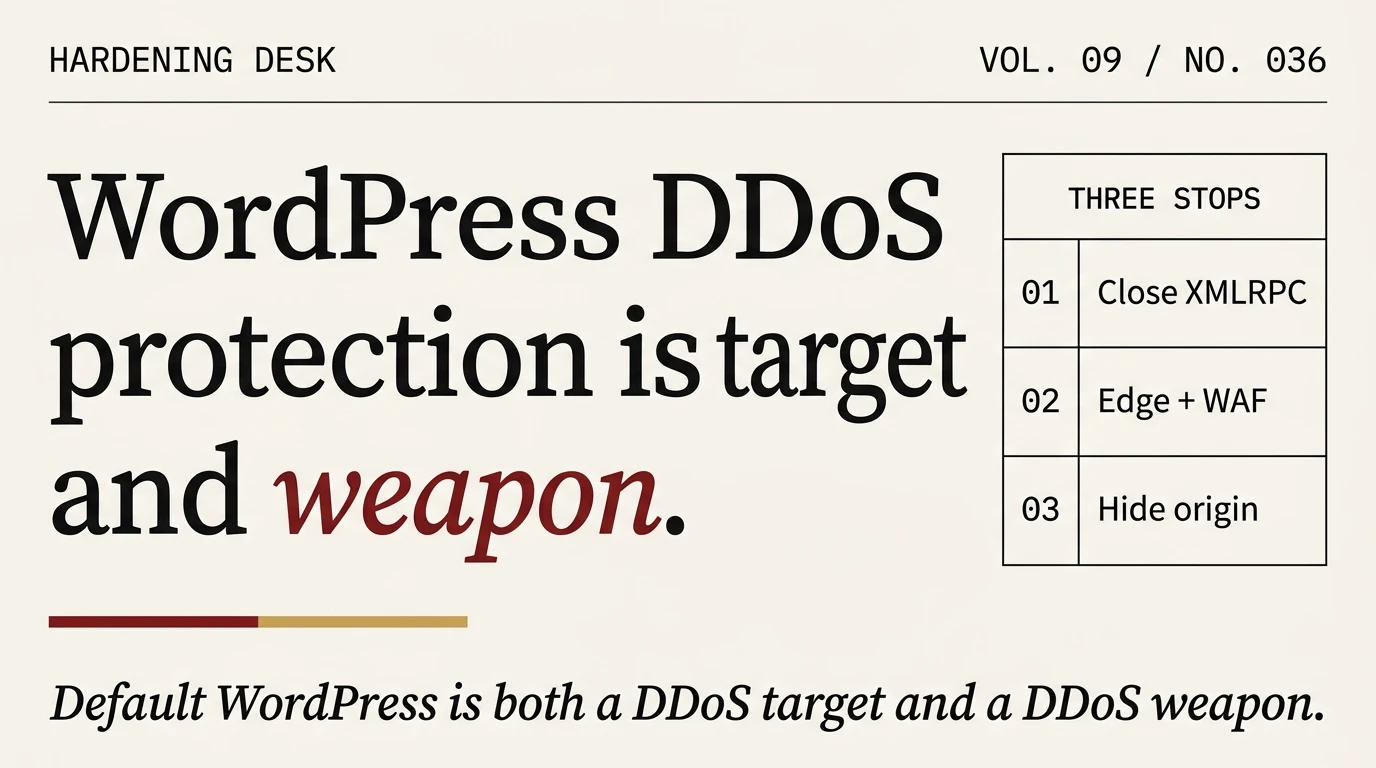
Your WordPress site is not only a DDoS target. It is also a DDoS weapon. Most writeups on this topic describe generic DDoS defence applied to WordPress. The part that actually makes this a WordPress problem, rather than a general hosting problem, is that WordPress has two features designed for the 2005 blogosphere (XMLRPC and pingbacks) that attackers use to turn your install into an attack platform against third parties. Close both before you buy any DDoS protection at all.
The two DDoS problems, not one
When an operator says “WordPress DDoS protection,” they usually mean defending against inbound traffic floods. That is the first problem. There’s a second, more embarrassing problem: your WordPress install can be conscripted into an attack against someone else. Cloudflare’s research team has documented botnets using WordPress XMLRPC endpoints as a brute-force amplification layer since 2015. Sucuri’s companion research traced the same pattern at scale. The pingback reflection DDoS vector has been around even longer. The SANS Internet Storm Center tracked a single incident where 162,000 WordPress sites reflected traffic at one target.
If your site is running default WordPress and you haven’t touched xmlrpc.php or pingbacks, you are participating in both sides of this market. You are a potential target AND a potential weapon. Fix the weapon side first. The defensive side is cheaper and simpler once the weapon side is closed.
Close the weapon surface
Two features, three minutes of work.
XMLRPC
xmlrpc.php is a remote-procedure-call endpoint originally built for pingbacks, trackbacks, and the old “post from a desktop app” workflow. Almost nobody uses it legitimately anymore. Attackers use it to amplify brute-force attacks (one request with `system.multicall` can carry hundreds of login attempts) and to bounce DDoS traffic.
Block it at the webserver layer, not with a plugin. Plugin-layer blocks still hit PHP and WordPress core before rejecting the request, which is exactly what the attacker wanted. Return a 403 at nginx or Apache before the request reaches PHP:
# nginx: return 403 for any request to xmlrpc.php
location = /xmlrpc.php {
  return 403;
}

# Apache .htaccess equivalent
<Files xmlrpc.php>
  Require all denied
</Files>
If you need XMLRPC for something specific (Jetpack’s historic integration, a very old mobile app, a specific publishing plugin), allow it only from the IP range of that service and block all other sources. Jetpack’s IP list is published at https://jetpack.com/ips-v4.txt. Everyone else gets 403.
Pingbacks and trackbacks
Pingbacks were designed so one blog could notify another when it linked to a post. They are now used primarily to reflect traffic at DDoS victims. Turn them off sitewide:
# Via wp-cli on the origin:
wp option update default_ping_status closed
wp option update default_pingback_flag 0

# Strip existing pingback capability from all posts in one pass:
wp post list --post_type=post --format=ids | xargs -I{} wp post update {} --ping_status=closed
Also remove the X-Pingback HTTP header that WordPress emits by default and that advertises your site as a pingback source to every crawler:
// mu-plugin: /wp-content/mu-plugins/00-strip-pingback.php
<?php
add_filter('wp_headers', function($headers) {
  unset($headers['X-Pingback']);
  return $headers;
});
remove_action('wp_head', 'rsd_link');
remove_action('wp_head', 'wlwmanifest_link');
Verify it’s gone with curl -I on any page. If X-Pingback still shows up, a caching plugin is re-emitting it from a cached copy and the cache needs flushing.
Defending against inbound traffic floods
Now the DDoS target side. WordPress behind nginx on a well-specced host handles perhaps 500 to 1,000 concurrent requests per second for static cached content, maybe 30 to 100 for dynamic pages. A small automated DDoS hits tens of thousands of requests per second. The arithmetic does not work at the origin level. The fix has to sit in front of WordPress.
The edge is your actual DDoS protection
A content delivery network with a web application firewall absorbs the attack before it reaches your origin. Cloudflare’s WAF on the free tier stops most low-volume DDoS attempts; the Pro tier at $25 per site per month adds more rules and higher rate limits. BunnyCDN, Fastly, and KeyCDN are comparable alternatives. The choice between them matters less than having one in front of the origin.
Set Cloudflare’s security level to Medium or High during an attack. Enable Bot Fight Mode. Enable Under Attack Mode if you’re being actively flooded. Under Attack Mode interstitial-challenges every request, which breaks most legitimate users too, but it stops the flood immediately while you figure out a better mitigation.
Hide your origin IP (the step most writeups skip)
A CDN only protects you if attackers can’t reach the origin directly. If they know your origin IP, they can skip the CDN and flood the origin on its public port 80 and 443. Most sites we audit have their origin IP visible in at least three places:
- DNS history. Services like SecurityTrails, DNSlytics, and ViewDNS keep historical records of every A record your domain has ever pointed at. If you were exposed to the internet before putting Cloudflare in front, the original IP is on file. Not fixable retroactively; you have to change origin IP after deploying the CDN.
- Certificate transparency logs. Every SSL certificate issued for your domain is published to public CT logs (browse crt.sh for your domain). If you issued a cert for
direct.yoursite.comormail.yoursite.comthat resolves to the origin, an attacker finds it in 30 seconds. - Email headers. Every email your WordPress install sends (password reset, comment notification, WooCommerce order confirmation) contains the sending server’s IP in the
Received:header. If WordPress sends mail from the same server that serves HTTP traffic, the origin IP is in every notification email.
Three mitigations:
- Rotate origin IP after deploying the CDN. Contact your host, request a new IP, and don’t publish it anywhere. Restrict inbound port 80/443 to only accept traffic from Cloudflare’s published IP ranges using a firewall rule. Cloudflare publishes its ranges at
https://www.cloudflare.com/ips-v4/. - Don’t issue certs for subdomains that point at the origin. Use
*.yoursite.comwildcard certificates routed through the CDN, or issue per-host certs only for hosts behind the CDN. - Send email from a separate host. Use a transactional mail service (SMTP2GO, Postmark, SES) rather than WordPress’s built-in mailer. The sending infrastructure is unrelated to your web origin.
Application-layer rate limits
Even with a CDN and a hidden origin, three WordPress endpoints attract specific abuse at a scale that ordinary rate-limiters miss: wp-login.php, admin-ajax.php, and wp-cron.php. Apply Cloudflare rate-limiting rules to each independently.
Our baseline rules on client sites running Cloudflare:
wp-login.php: 5 requests per IP per minute. Above that, return 429 for 15 minutes. Legitimate users rarely hit this.admin-ajax.php: 30 requests per IP per minute. Higher than wp-login because it’s also used by legitimate frontend interactions (WooCommerce cart updates, Gutenberg autosave). Tune up if your site is JavaScript-heavy.wp-cron.php: 0 from public. Block the public endpoint entirely and trigger cron via a real system cron job. WordPress has emittedwp-cron.phprequests on every pageload since 2008; every one of them bypasses your cache and hits PHP. Disable the web trigger withdefine('DISABLE_WP_CRON', true)inwp-config.php, then add a host cron:*/5 * * * * wget -q -O - https://yoursite.com/wp-cron.php?doing_wp_cron >/dev/null 2>&1.
Hosting that survives the attack
Shared hosting under a flood will hit CPU or memory limits within minutes; the host then throttles or suspends the account, which is arguably worse than the attack because your legitimate users are also locked out. Three tiers of hosting by DDoS resilience:
Managed WordPress hosting (Kinsta, WP Engine, Rocket.net, Pressable). These bundle a CDN and WAF. Expensive but you get DDoS protection by default. Appropriate for production sites where uptime matters more than cost.
VPS with your own stack. Full control. You pay for a root-accessible instance with dedicated CPU, RAM, and bandwidth, install nginx/PHP-FPM/MariaDB, and put Cloudflare in front. Costs much less than managed WordPress for equivalent resources, and the instance is yours, so if you want to swap from nginx to Caddy, enable HTTP/3, tune sysctl networking parameters to absorb SYN floods, you can. Contabo’s VPS tier runs $6-15 per month for instances that handle 10,000+ concurrent static-cached requests per second at the origin level, which takes most small DDoS attempts off the table even without edge protection. We run a handful of WordPress sites on this stack.
Bare metal dedicated servers. Overkill for most WordPress sites. Justifiable when you run WooCommerce at scale, need compliance isolation, or routinely get targeted attacks. Plan on $50-200 per month per box, plus your own edge protection (still needed; bare metal alone won’t absorb volumetric attacks).
The baseline question is not “which host is best.” It is “which host will absorb a 10-minute flood without suspending my account and without charging me for 2 TB of egress.” Ask that question before you sign anything.
If you are already under attack
The first 60 minutes, in order:
- Enable your CDN’s emergency mode. Cloudflare’s Under Attack Mode, Sucuri’s Emergency DDoS protection, or whatever your provider calls it. This is not permanent; it’s a bandaid.
- Identify the attack type. Volumetric (a flood of packets), protocol (SYN flood, ICMP), or application-layer (HTTP requests to wp-login or admin-ajax)? Your access logs will tell you. Volumetric and protocol attacks are handled at the CDN; application-layer attacks need rate-limiting rules.
- Check for the weapon side.
tail -fyour access log and look for/xmlrpc.phpPOST traffic leaving your site. If XMLRPC is being called by your own install, you are the amplifier as well as the target. Block xmlrpc.php immediately. - Contact your host if shared. Shared hosts have abuse desks and DDoS mitigation at the infrastructure level that you cannot access yourself. Ask them to confirm the attack is arriving at their edge and to apply whatever mitigations they have.
- Don’t touch DNS under pressure. Panicked operators change A records to try to redirect traffic; the TTL cache means the old record is live for another 30 to 300 seconds, the attack continues, and the new configuration is untested under load. Stabilise first, change DNS second.
- Preserve logs. After the attack, you’ll want to know what hit you. Copy
/var/log/nginx/access.logoff the server before log rotation catches up.
Most small L7 attacks taper off within 30 to 90 minutes once they stop making progress. Larger campaigns can run for days; those are the ones where a CDN subscription becomes cost-effective.
What to set up before the next attack
After the emergency passes, the work that prevents the next one:
- XMLRPC blocked at the webserver level. Pingbacks off. Confirm via
curl -IthatX-Pingbackis absent. - CDN in front of the site. Cloudflare free is fine for most cases; Pro or Business when you need the extra rule throughput.
- Origin IP rotated post-CDN-deploy and restricted via firewall to CDN source ranges only.
- Rate limits on
wp-login.php,admin-ajax.php, andwp-cron.phpdisabled as a public endpoint. - Hosting that can absorb a moderate burst. See the VPS-or-managed-or-bare-metal framing above; we cover the full decision in the hardening pillar.
- A security plugin with rate limiting at the PHP layer as a backstop if the edge fails or misconfigures. Wordfence and Patchstack both handle this reasonably well.
- Audit logging enabled so the next incident comes with evidence.
Complete that list and the next DDoS attempt against your site becomes a non-event instead of a two-hour scramble. More importantly, your site stops being useful to the attacker as a weapon against someone else, which is the part that actually distinguishes WordPress DDoS protection from generic DDoS protection.
For the adjacent piece of this puzzle, the four-layer framework we run for malware protection specifically, see the protection-stack writeup. For the scenario where the protections failed and something got in, the first-hour incident playbook is the next read.
Frequently asked
Does Cloudflare free tier actually protect against DDoS?
Yes, for most low-to-moderate attacks. Cloudflare’s network absorbs volumetric and protocol attacks automatically on every tier, including free. What you don’t get on free is as many rate-limiting rules, the higher-throughput WAF rulesets, or the SLA. For a small site, free is enough. For a revenue-producing site, the Pro or Business tier pays for itself the first time you avoid downtime during an attack.
Do I need a DDoS-specific WordPress plugin?
No. Plugins run inside WordPress, which means they only trigger after the request has already reached your origin and woken up PHP. Real DDoS mitigation happens at the network or CDN layer before PHP runs. A plugin can add application-layer rate limits as a backstop, but it is not your primary defence.
Is XMLRPC still needed in 2026?
Almost certainly not. Jetpack dropped hard reliance on XMLRPC in 2020. The WordPress mobile apps switched to the REST API in 2019. A few very old publishing clients still call XMLRPC but none of them are common on professional sites. Block it and monitor for application errors. If nothing breaks in a week, leave it blocked.
What about hosting with built-in DDoS protection?
Managed WordPress hosts (Kinsta, WP Engine, Rocket.net) bundle DDoS protection. Some VPS providers like Contabo and OVH advertise network-level DDoS mitigation at the datacenter edge, which absorbs volumetric attacks before they reach your instance. These are useful on top of a CDN, not as a replacement for one.
Can I DDoS-proof a WordPress site on a budget?
Yes. Cloudflare free tier plus a $6-15 per month VPS plus the configuration in this post handles most attacks. The hard cost is $6-25 per month. The real cost is the hour it takes to configure correctly. An operator who does this once on a production site typically replicates the same configuration across every site they run, because setup time is front-loaded and ongoing maintenance is minimal.
Does disabling pingbacks hurt SEO?
No. Pingbacks were an early-2000s discovery mechanism that Google’s crawler replaced long ago. Search engines do not use pingbacks for ranking. Turning them off removes a spam surface and a DDoS reflection vector with zero SEO cost.
